
iOS (Dynamo)
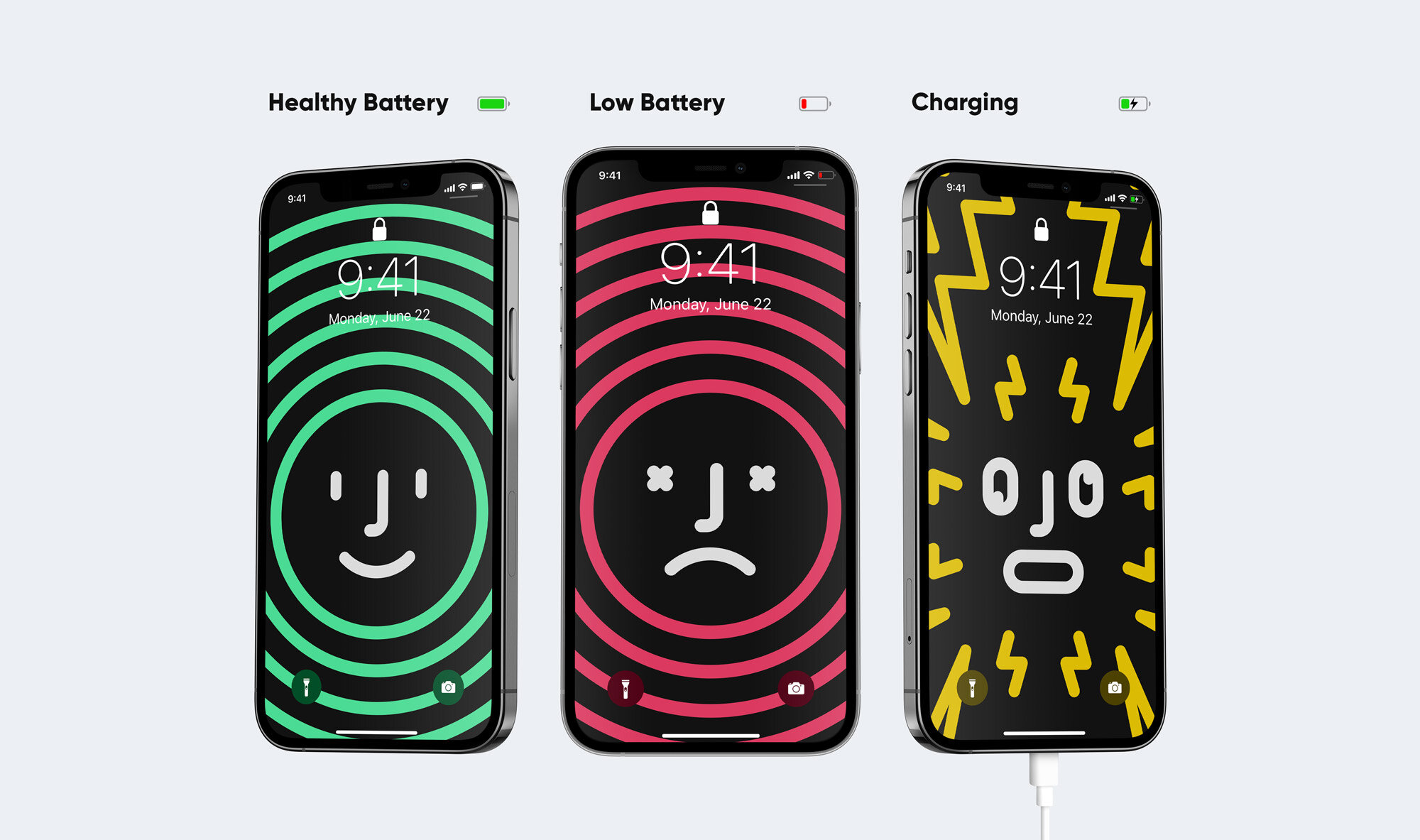
Power-up your charging experience with these innovative dynamic wallpapers.
Did you ever run out of power because you didn’t notice your iPhones tiny battery icon? Perhaps you plugged your phone in to charge and came back later to realise the plug wasn’t inserted properly and your batteries dead? Yep, me too… which is exactly why I created these Dynamo wallpapers.
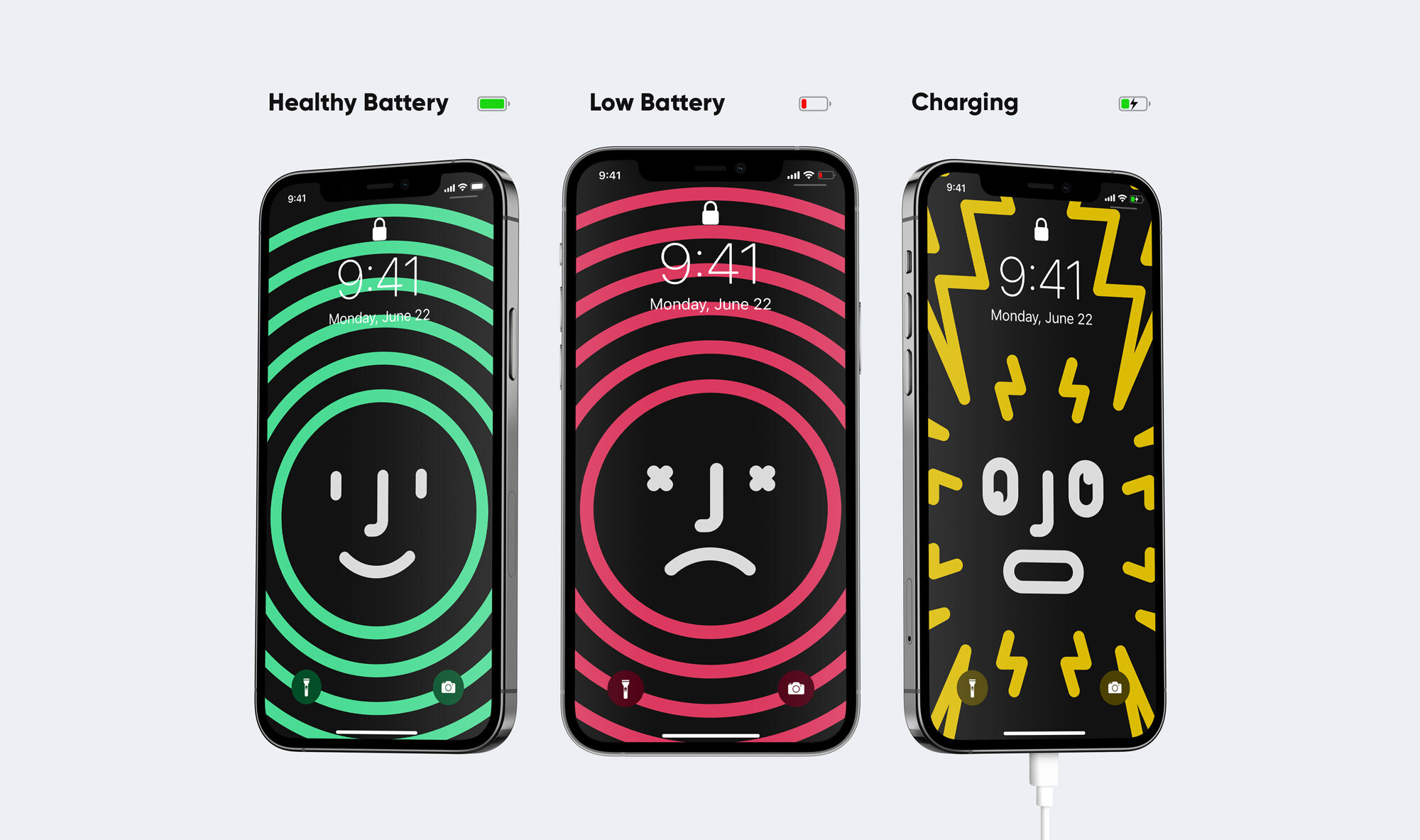
Dynamo wallpapers utilise automation Shortcuts to change dynamically based on your iPhones battery life, and when your phone is plugged in to charge - turning your phone into a giant battery indicator! Never run out of battery again with Dynamo.
Dynamo is available in 4 different packs, each pack contains 3 sets of dynamic wallpapers.
As featured on

-Mac-pack-Finder.jpg)
-Mac-pack-Hello.jpg)
-Mac-pack---Sky.jpg)
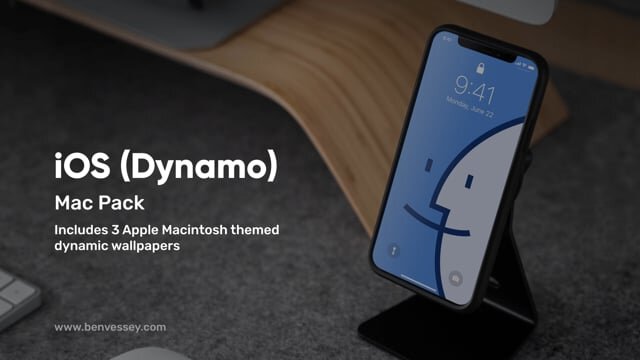
iOS (Dynamo) - Mac pack
The Mac pack includes 3 sets of Apple Macintosh inspired Dynamo wallpapers. Dynamo wallpapers utilise automation Shortcuts to change dynamically based on your iPhones battery life, and when your phone is plugged in to charge.
3 bespoke sets of ‘Mac’ themed dynamic wallpapers
Optimised for every iPhone since the 6S (scroll down for full list)
Install using iCloud and Shortcuts in iOS 14 - no jailbreak required!
Video and pdf installation guide included in download folder (English)
-Album-pack---Prism.jpg)
-Album-pack---Bolt.jpg)
-Album-pack---Joy.jpg)
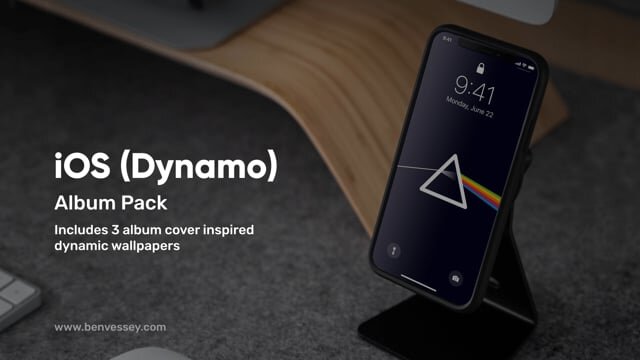
iOS (Dynamo) - Album pack
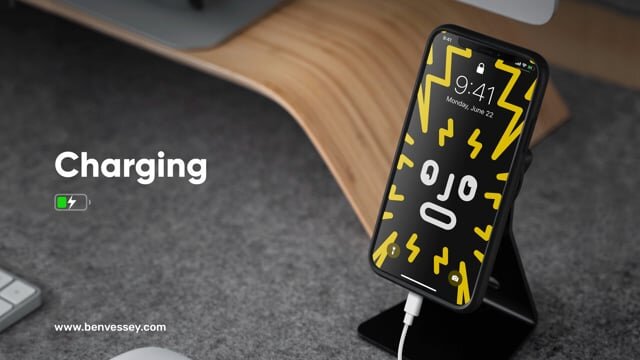
The Album pack includes 3 sets of album cover inspired Dynamo wallpapers. Dynamo wallpapers utilise automation Shortcuts to change dynamically based on your iPhones battery life, and when your phone is plugged in to charge.
3 bespoke sets of ‘Album’ themed dynamic wallpapers
Optimised for every iPhone since the 6S (scroll down for full list)
Install using iCloud and Shortcuts in iOS 14 - no jailbreak required!
Video and pdf installation guide included in download folder (English)
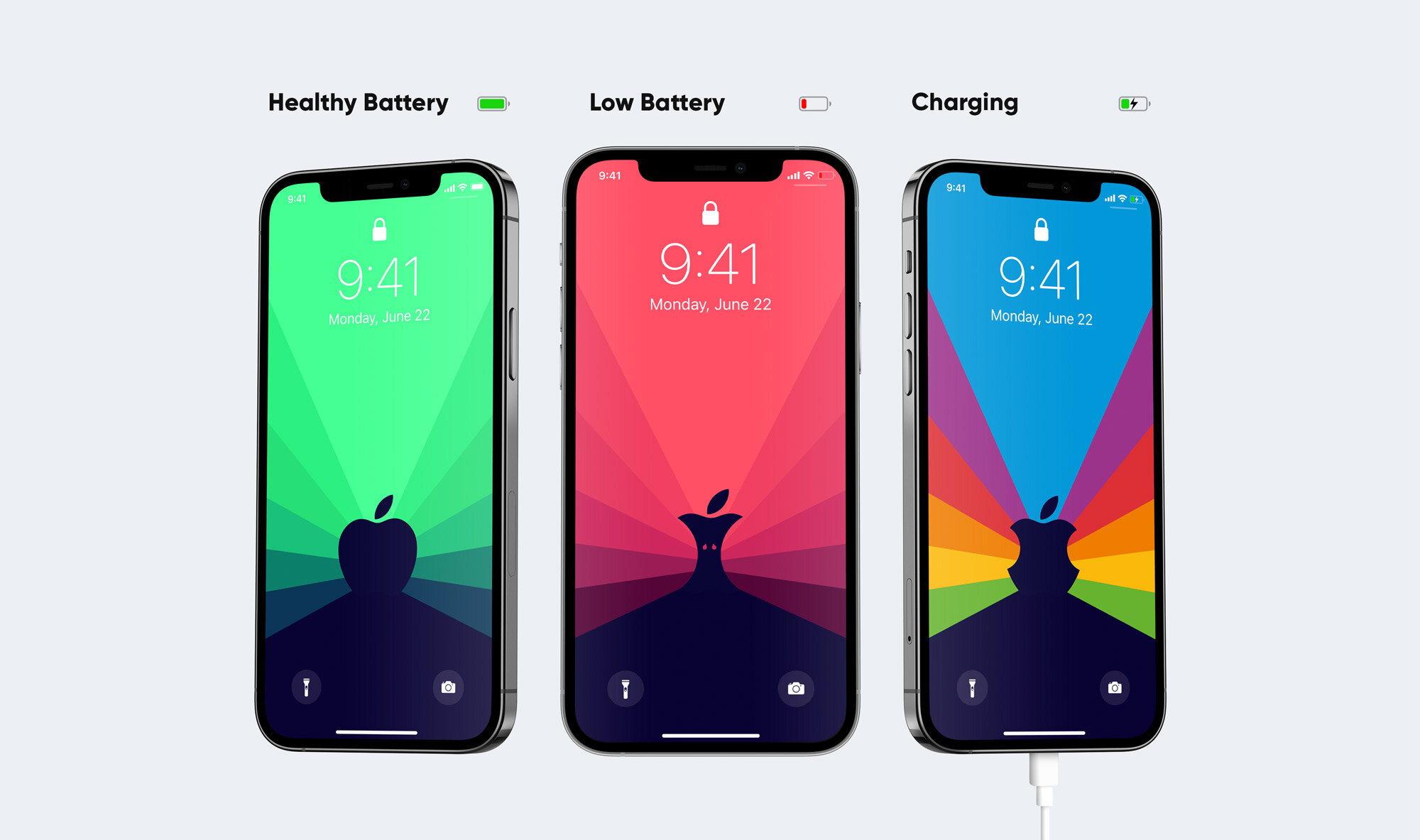
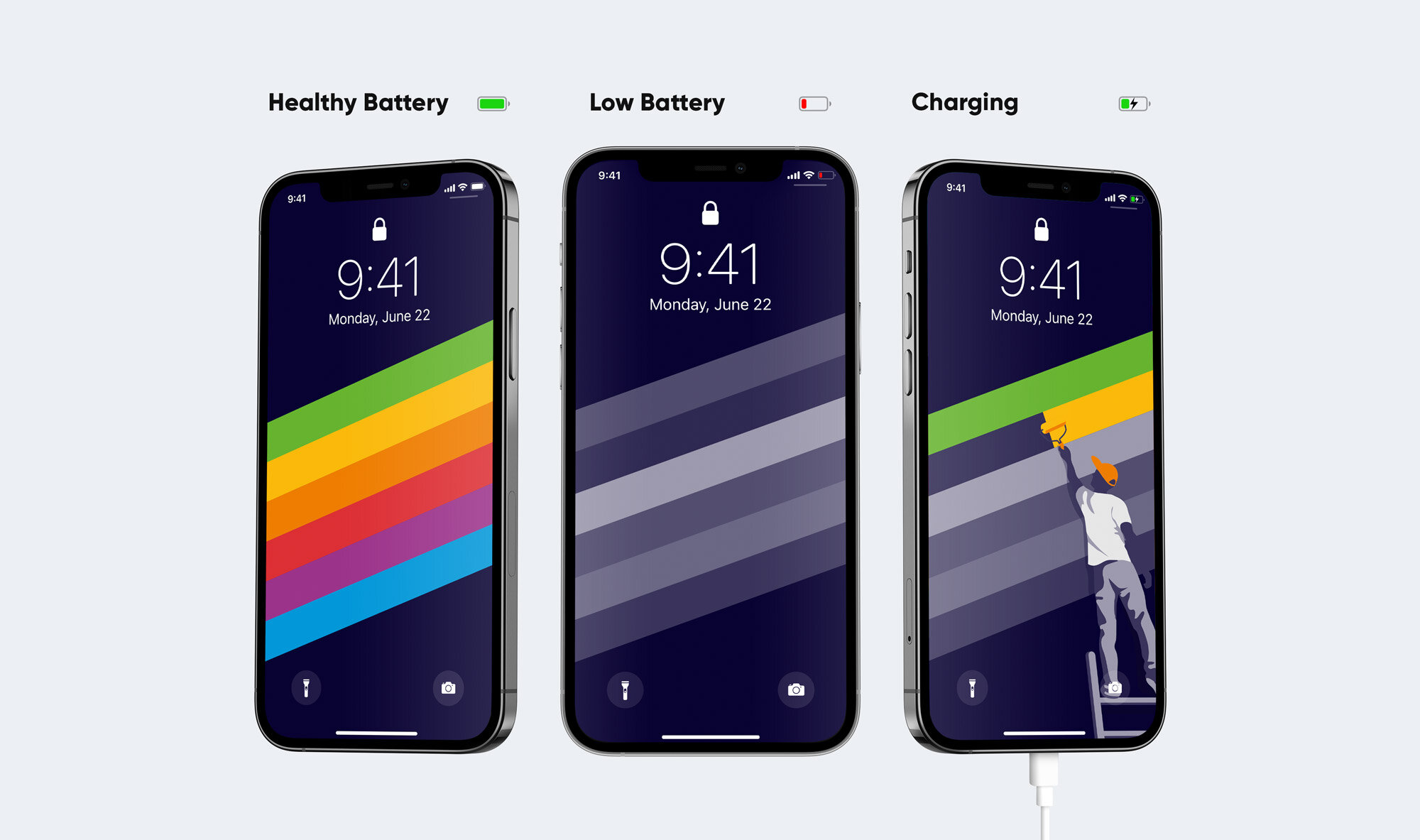
iOS (Dynamo) - Apple pack
The Apple pack includes 3 Apple inspired sets of Dynamo wallpapers. Dynamo wallpapers utilise automation Shortcuts to change dynamically based on your iPhones battery life, and when your phone is plugged in to charge.
3 bespoke sets of ‘Apple’ themed dynamic wallpapers
Optimised for every iPhone since the 6S (scroll down for full list)
Install using iCloud and Shortcuts in iOS 14 - no jailbreak required!
Video and pdf installation guide included in download folder (English)
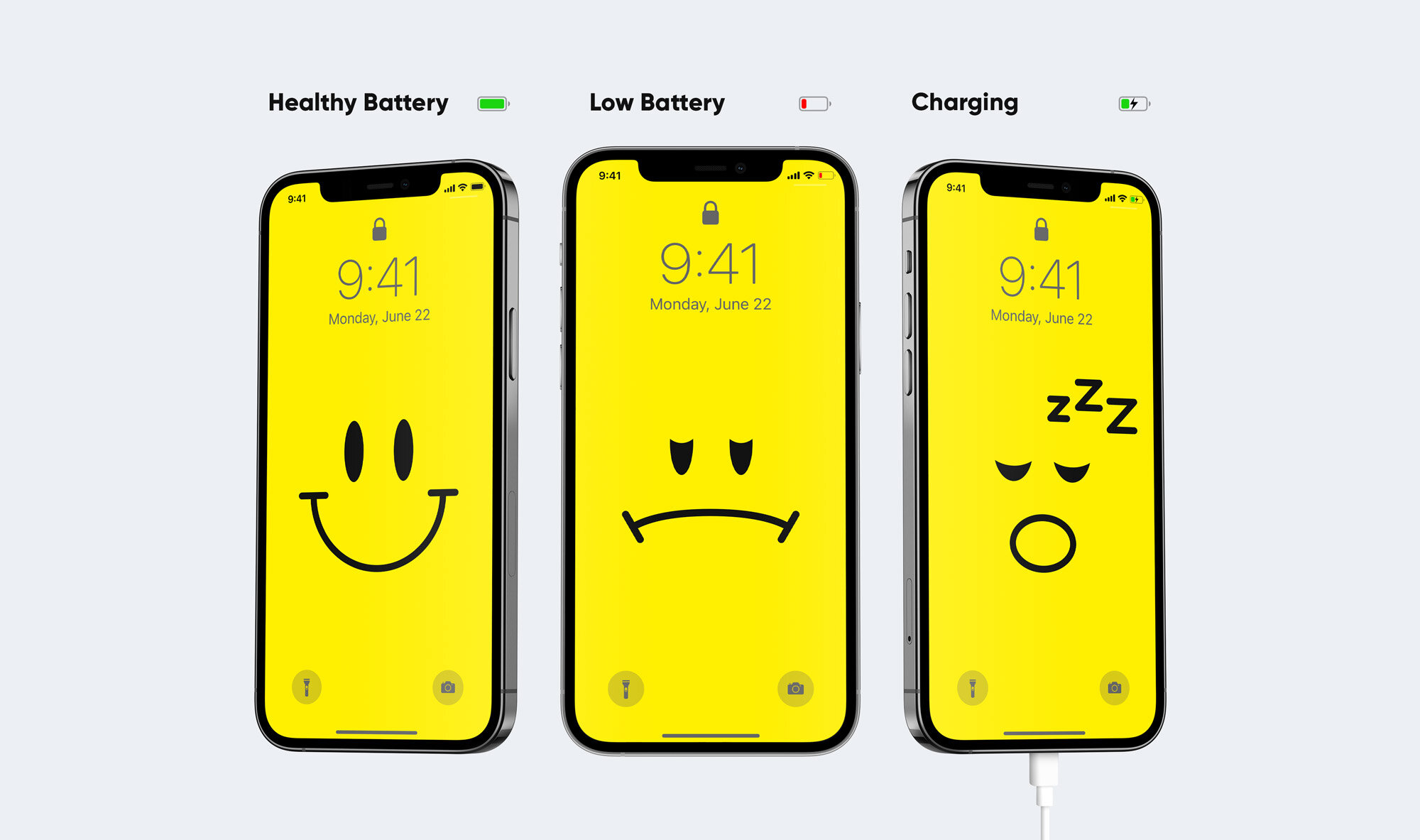
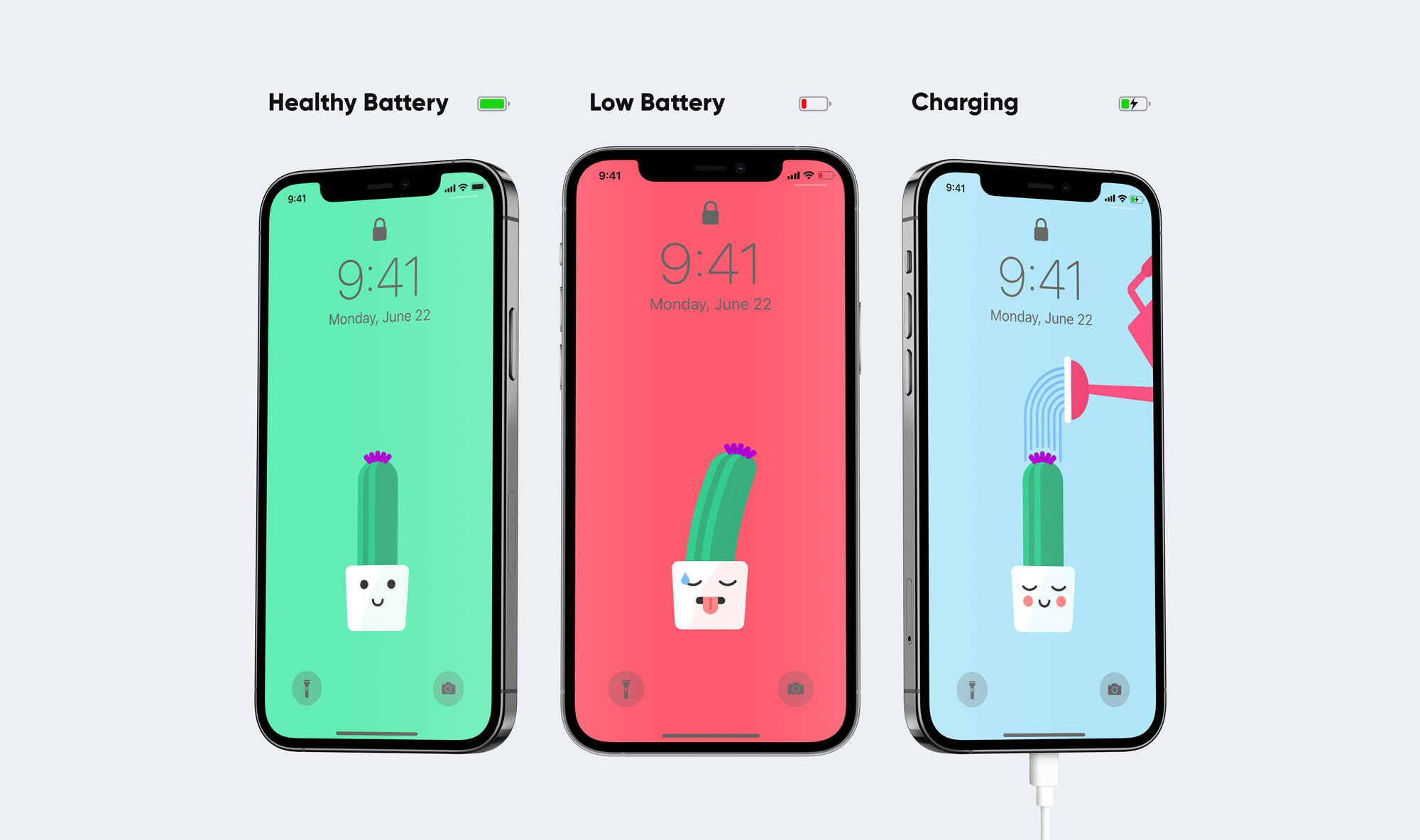
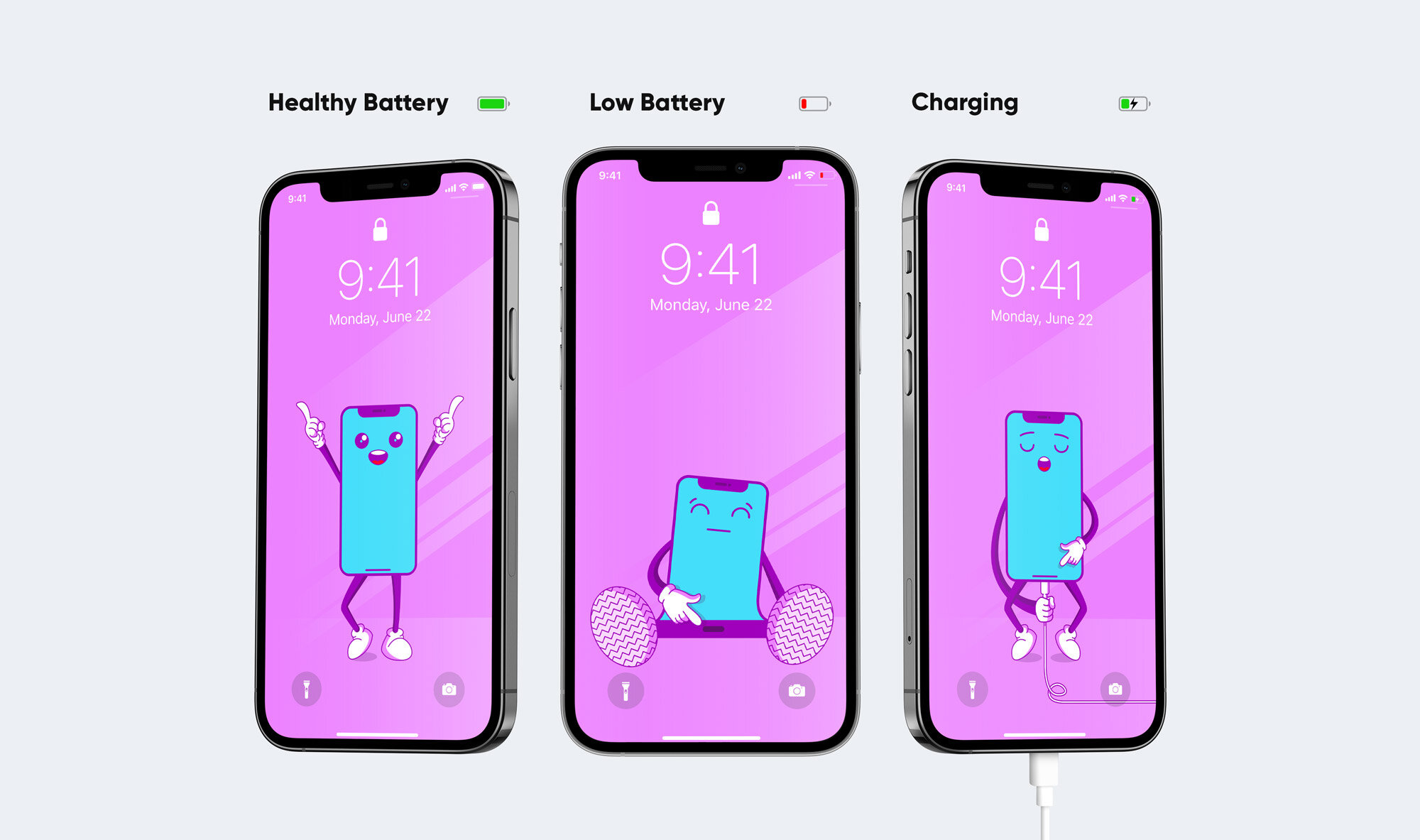
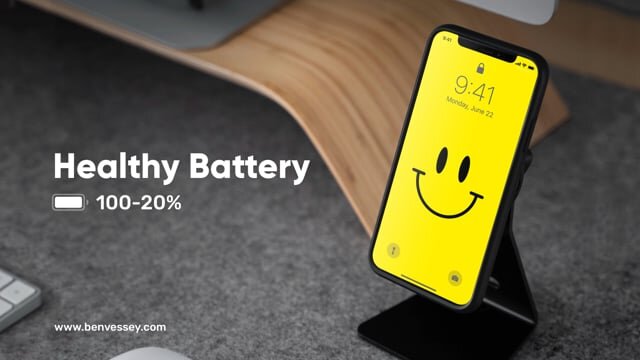
iOS (Dynamo) - Faces pack
The Faces pack includes 3 Dynamo wallpaper sets featuring a variety of characters. Dynamo wallpapers utilise automation Shortcuts to change dynamically based on your iPhones battery life, and when your phone is plugged in to charge.
3 bespoke sets of ‘Faces’ themed dynamic wallpapers
Optimised for every iPhone since the 6S (scroll down for full list)
Install using iCloud and Shortcuts in iOS 14 - no jailbreak required!
Video and pdf installation guide included in download folder (English)
How it works
Video and pdf instructions are included in the download folder to guide you through each and every step of the process, but here’s a quick overview. The process takes approximately 10 minutes.
Purchase and Download the Dynamo pack, or packs, of your choice
Move the wallpapers to your iPhones ‘Shortcuts’ folder
Set up the 4 automations in the ‘Shortcuts’ app
Run an automation to begin the process
Enjoy awesome dynamic wallpapers!
iPhones supported
Dynamo wallpapers have been optimised for the following devices;
iPhone 6S
iPhone 6S Plus
iPhone 7
iPhone 7 Plus
iPhone 8
iPhone 8 Plus
iPhone X
iPhone XS
iPhone XS Max
iPhone XR
iPhone 11
iPhone 11 Pro
iPhone 11 Pro Max
iPhone 12
iPhone 12 mini
iPhone 12 Pro
iPhone 12 Pro Max
iPhone SE (2016)
iPhone SE (2020)
You may also like…
-retro-iPhone-icon-set-close-up-top.jpg)
iOS (Old School)
Retrofy your iPhone with this pixel perfect icon and wallpaper set featuring more than 110 Mac OS '84 inspired icons.
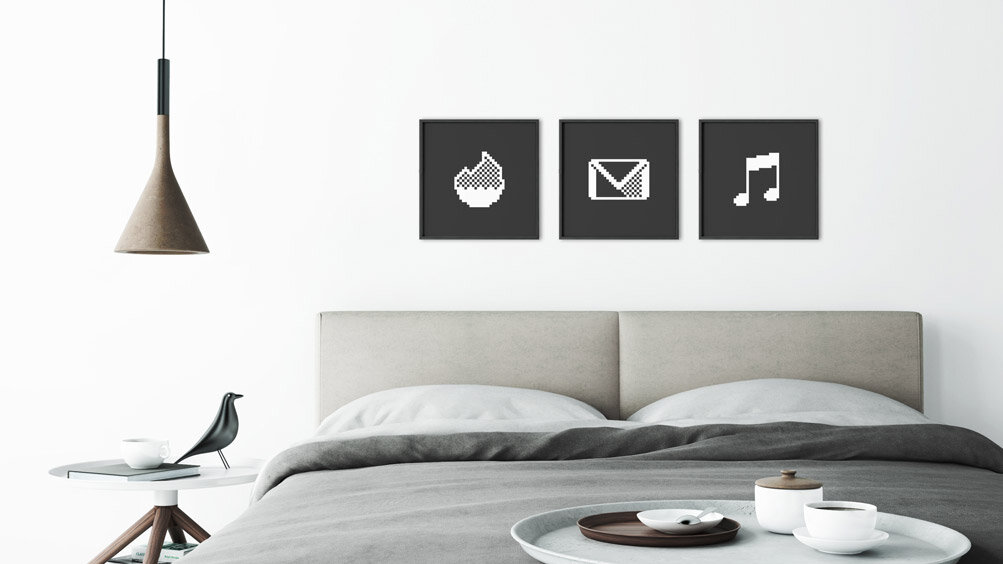
Prints (Old School)
Retrofy your home with these pixel perfect limited edition giclée prints. Hand stamped, numbered, and signed on the reverse.